
Schema.org: Common Errors and How to Fix Them with Search Toolbox

Search Toolbox
SEO / GEO Editorial
JSON-LD can help a page a lot, very quickly. It can also break quietly for weeks while everyone assumes it is fine. A missing property, the wrong type, or messy nesting is enough. Here is how to catch the usual problems and fix them without turning the audit into a scavenger hunt or the markup into decorative noise.
The 5 JSON-LD errors that kill rich snippets
The same schema issues show up again and again. These are the five that most often break rich results, even on pages that look “fine” at first glance.
On paper, these look like small implementation details. In search, they often mean rich results that never appear or appear inconsistently. Search Toolbox extracts every JSON-LD block from the rendered DOM, lays out the structure clearly, and points out the anomalies before you waste time playing detective in the code.
- Error 1: wrong @type. A FAQ block marked as Article will not trigger FAQ rich results.
- Error 2: missing required properties. Markup can look present while still being incomplete for Google.
- Error 3: incorrect nesting. A classic example is FAQPage without mainEntity, or Question without acceptedAnswer.
- Error 4: inconsistent @id. If the identifier does not align with the canonical URL, the signal gets messy.
- Error 5: orphaned or contradictory entities. Multiple unrelated JSON-LD blocks can interfere with each other.
Validate schema on the rendered DOM, not the source
Many schema errors are invisible in source code. They only show up after JavaScript runs, when a CMS, theme, or plugin injects data at runtime.
That is where duplicates, bad dynamic values, and broken structures often appear. Validating only from View Source or a crawler can give you false confidence. Search Toolbox reads the rendered DOM as it exists in the browser, and Google's Rich Results Test remains the final eligibility check.
Which schema types generate rich snippets in 2026?
Not every schema type creates a visible payoff in the SERP. The main ones to watch are the formats Google still turns into rich results: Product, Review, Event, Recipe, BreadcrumbList, Article, and NewsArticle, depending on the page and the rules in force.
For GEO-focused pages, types like Organization, SoftwareApplication, and DefinedTermSet can also make the content easier for AI systems to interpret. The point is not to collect schema types like badges. The point is to keep markup aligned with the real content of the page. Search Toolbox helps separate what is merely present from what is genuinely useful, and the Rich Results Test confirms eligibility afterwards.
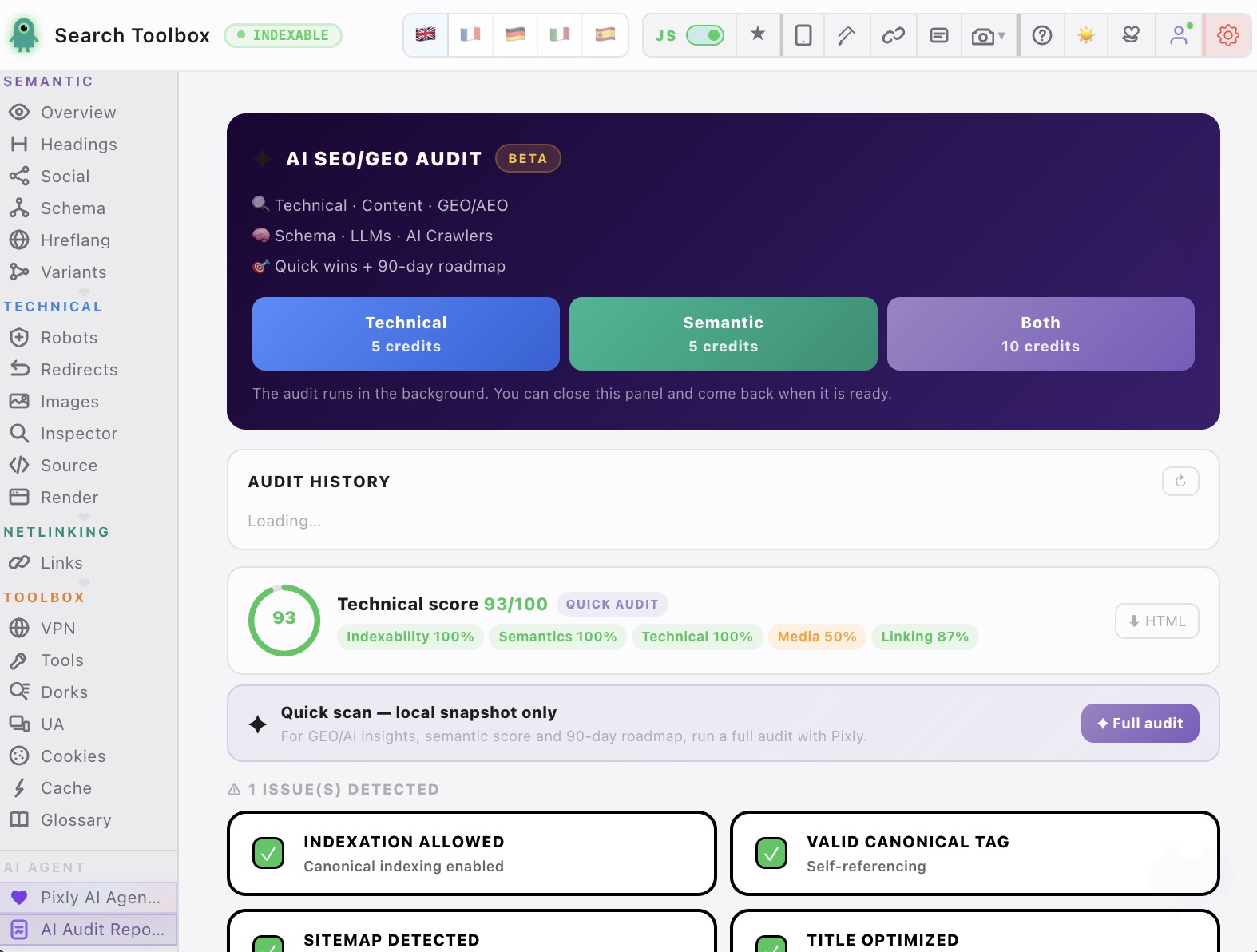
Search Toolbox · live panels
From JSON-LD block to understandable graph
Useful validation connects the code, its relationships, the DOM that injected it and the resulting recommendation.
Swipe · tap to zoom

Validate your JSON-LD schema right now
60+ free SEO tools. No credit card.
Install Search Toolbox — FreeStay in the loop
New SEO guides straight to your inbox
No spam. Just the guides that matter.
Learn SEO / GEO the practical way
Audit a page, tab by tab.
A guided route from first observation to verification. Open the lesson to learn the method, or jump to its tool and inspect the active page.
- Step 01
Open the page and establish the baseline
Start on the live URL and record the final URL, HTTP response and indexability.
- Step 02
Check Overview, metadata and canonical
Resolve noindex, title, description, robots and canonical conflicts first.
- Step 03
Audit headings, links and images
Read the hierarchy, follow internal anchors and fix repeated image-template errors.
- Step 04You are here
Validate schema and entity relationships
Inspect the rendered JSON-LD graph, required properties and conflicting entities.
- Step 05
Verify hreflang and localized URLs
Test reciprocity, language codes, canonicals and HTTP status across the cluster.
- Step 06
Trace redirects and URL variants
Follow every hop and confirm the final URL is indexable and self-canonical.
- Step 07
Understand SSR, CSR and the rendering risk
Learn what the server sends, what JavaScript adds and which differences deserve investigation.
- Step 08
Investigate source HTML and rendered DOM if needed
Use this deeper check only when simpler panels reveal a JavaScript-related contradiction.
- Step 09
Prioritize, export, fix and retest
Turn evidence into an ordered plan, change one thing, then rerun the same checks.
Apply it to your site
Guide read. Now choose the real use case.
These workflows apply the method to real CMS failure modes and show which page and Search Toolbox panel to inspect next.
Shopify SEO Audit for Product and Collection Pages
Variant URLs, duplicate product schema and inconsistent image data can scale across the entire catalog.
Open workflowWordPress SEO Audit Beyond the Plugin Dashboard
Themes, page builders and multiple plugins can duplicate or overwrite otherwise correct SEO settings.
Open workflowUsing another CMS or looking for one specific check?
The directory brings every use case, free tool and troubleshooting guide together.
FAQ and related searches
Frequently asked questions
How do you check Schema markup and JSON-LD?
Extract every JSON-LD, Microdata and RDFa block from the rendered page, validate syntax and supported types, then inspect required properties, entity relationships, duplicate identifiers and differences between source and live DOM.
Why is valid JSON-LD not producing a rich result?
Valid syntax is only the first condition. The page may use an unsupported type, omit required properties, describe content users cannot see, conflict with another entity or simply not meet Google’s quality and eligibility requirements.
Can JavaScript-injected structured data be indexed?
Search engines can process JavaScript-injected JSON-LD, but rendering failures and timing can make it unreliable. Verify that the final markup appears in the rendered DOM and remains consistent with visible content.