
Comparison · Free in Chrome
Search Toolbox vs Detailed SEO Extension
Search Toolbox helps you choose between a fast on-page snapshot and a broader audit workspace, directly on the live page. The goal is a transparent choice based on the checks you actually perform every day, without hiding the evidence behind one overall score.
SEOs comparing browser audit extensions
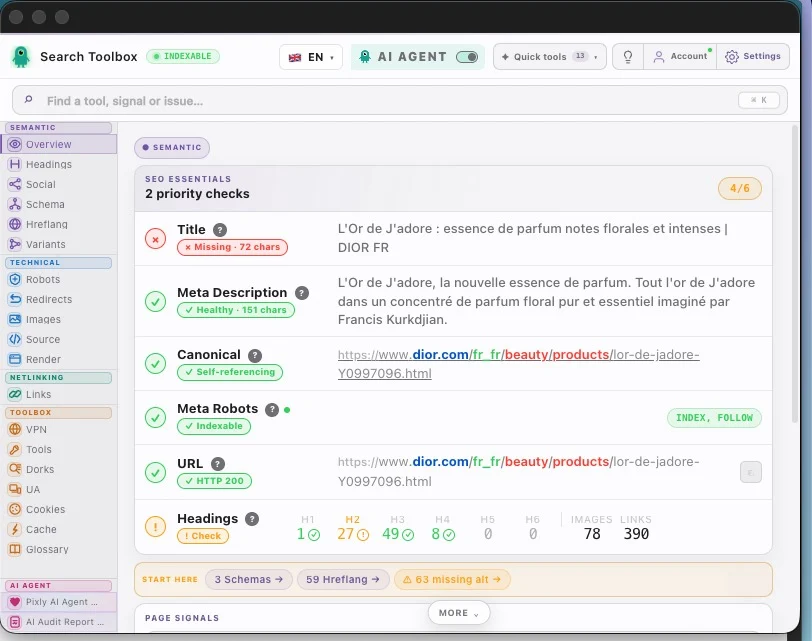
What you can verify
Schema and hreflang depth
Redirect and rendered HTML workflows
Exports, screenshots and contextual AI
The observable problem
Both extensions surface core metadata, but their depth and workflow diverge after the first snapshot.
The useful outcome
A transparent choice based on the checks you actually perform every day
The note written after the third coffee
“Detailed is delightfully quick. Search Toolbox deliberately goes nosier. The useful question is not which logo wins, but whether today’s job needs a glance or an investigation.”
Evidence on the real page
Detailed SEO alternative

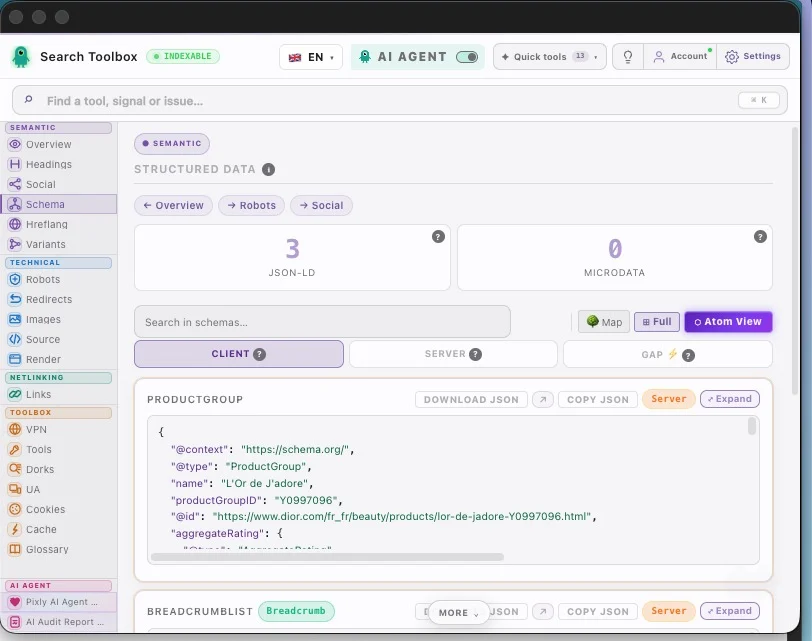
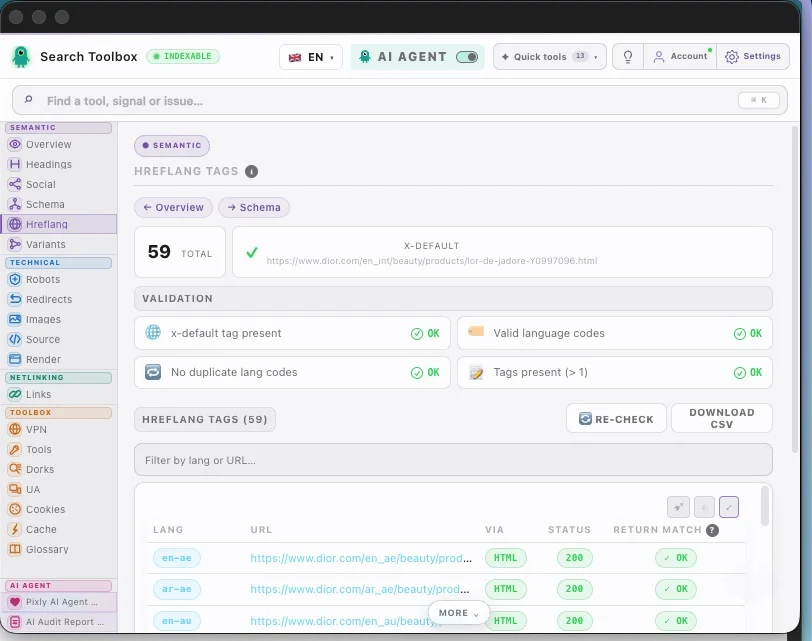
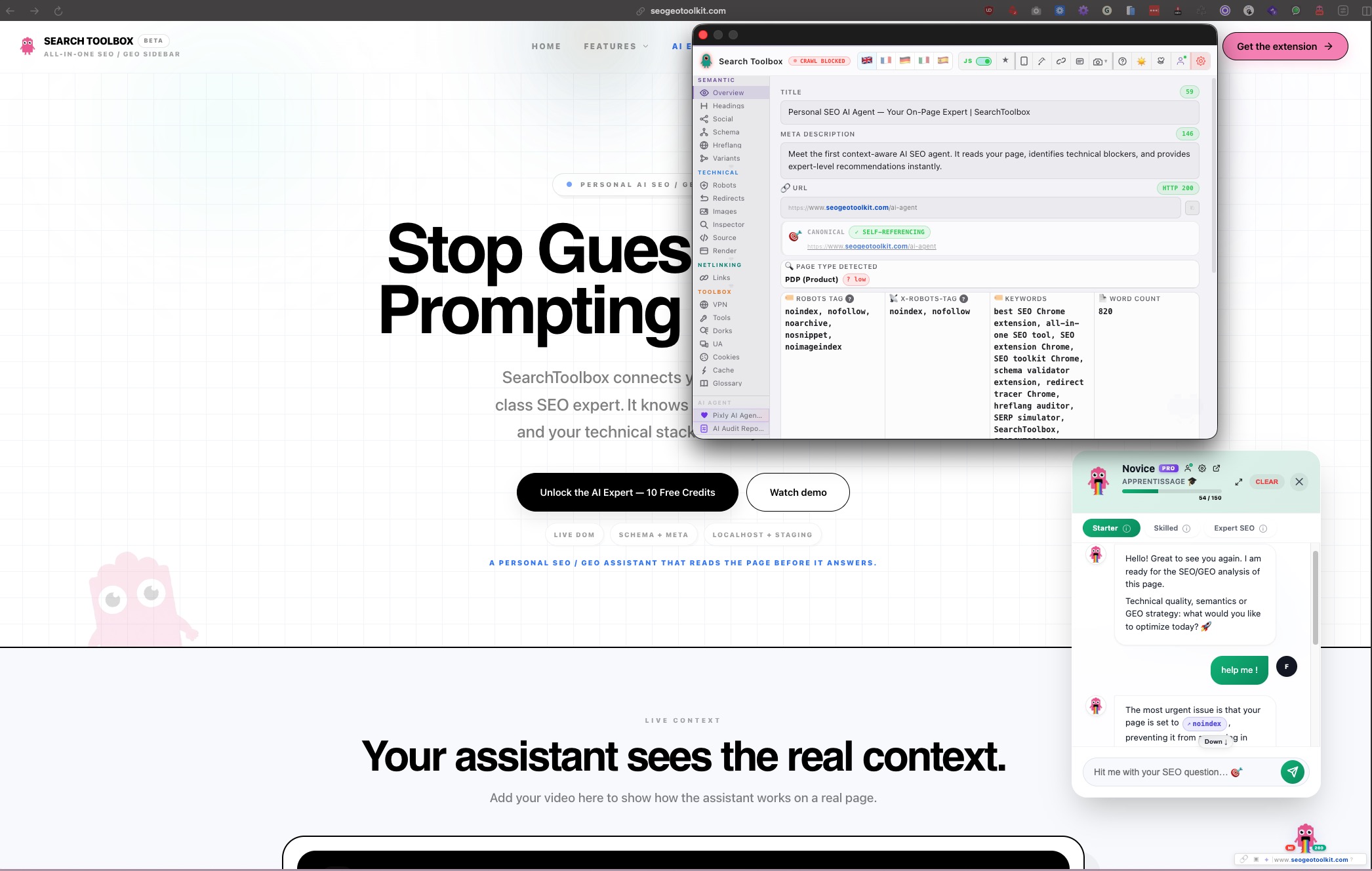
A verifiable workflow, not a decorative score
Open the real page
Open the page that has the problem where you actually see it: your session, staging or localhost, rather than a demo page.
Inspect the evidence
Run the checks listed above, then line up the signals that contradict each other.
Fix and retest
Aim for a transparent choice based on the checks you actually perform every day. Change one rule at a time, then repeat the exact same check so you know what actually moved.
What this page does not pretend to do
This comparison does not claim one tool wins everywhere. Detailed, SEOquake and Lighthouse each have jobs they handle extremely well. The right choice depends on the work, data and workflow you need.
Frequently asked questions
What does this tool check?
It covers metadata snapshot, schema and hreflang depth, redirect and rendered HTML workflows, exports, screenshots and contextual AI. What you get: a transparent choice based on the checks you actually perform every day.
Is it free?
These checks are part of the 60+ free tools. Only the optional AI Expert uses credits.
Does it work on staging and localhost?
Yes. The check runs on the page you are viewing, including logged-in sessions and non-public environments.
Is it a full SEO crawler?
This comparison does not claim one tool wins everywhere. Detailed, SEOquake and Lighthouse each have jobs they handle extremely well. The right choice depends on the work, data and workflow you need.
Verify it on your own page.
These checks are part of the 60+ free tools. Only the optional AI Expert uses credits.