JSON-LD syntax and types
Inspect the signal in the rendered page.

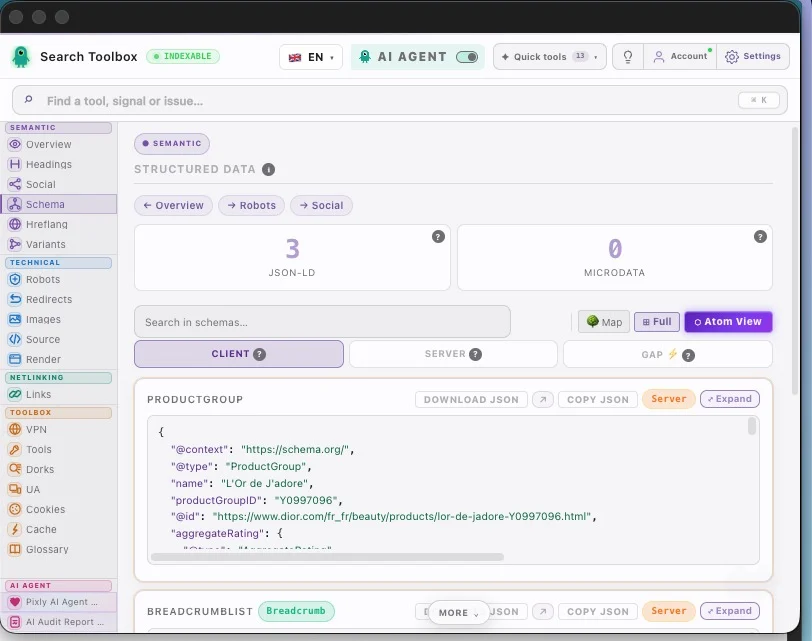
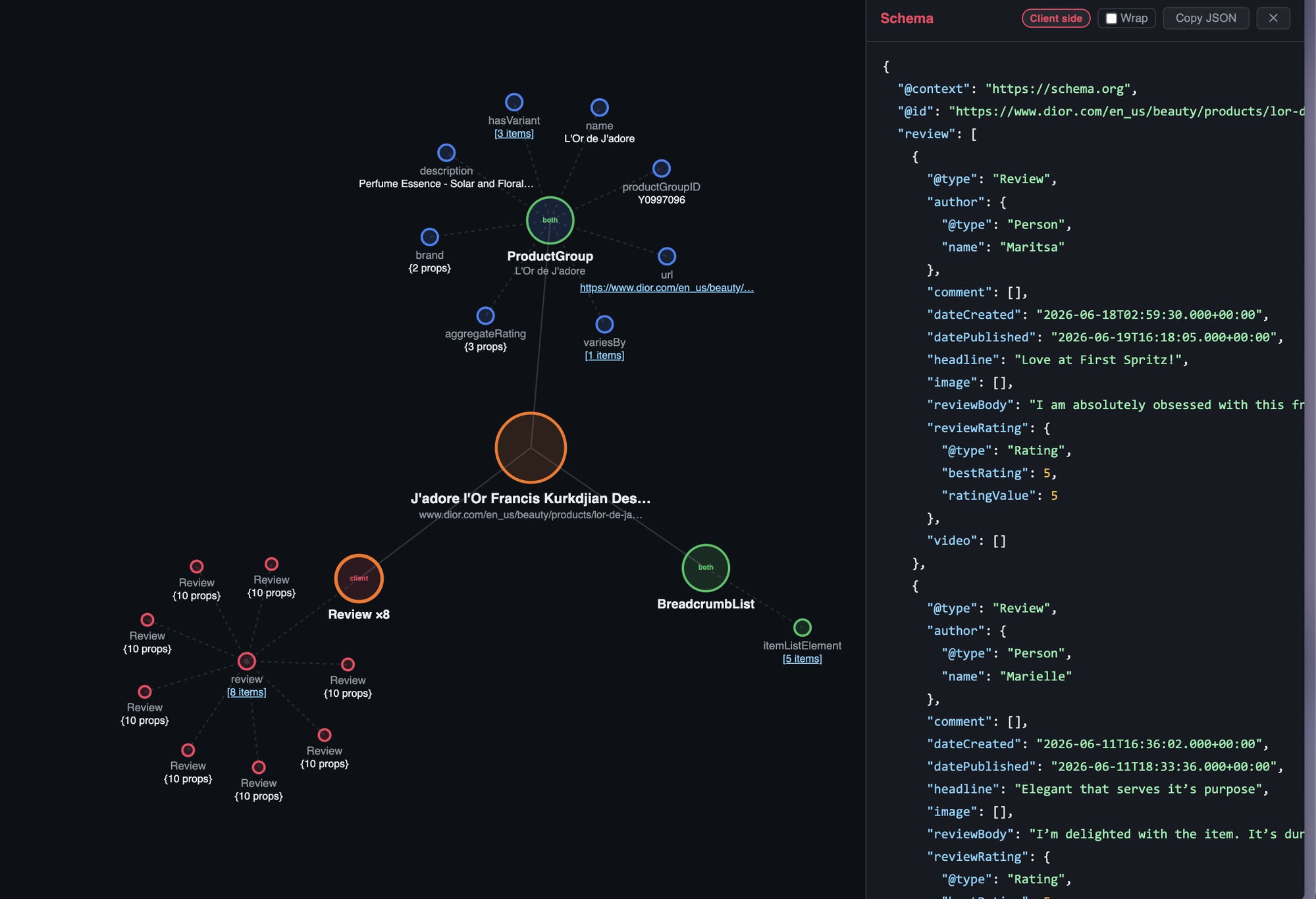
Search Toolbox helps you validate the structured data that exists after the page finishes rendering, directly on the live page. The goal is a readable entity graph and the exact markup that needs correction, without hiding the evidence behind one overall score.
SEOs and developers debugging rich-result eligibility
What you can verify
Inspect the signal in the rendered page.
Compare source code with the browser output.
Find contradictions that block indexation.
Export evidence your team can act on.
The observable problem
The useful outcome
Evidence on the real page

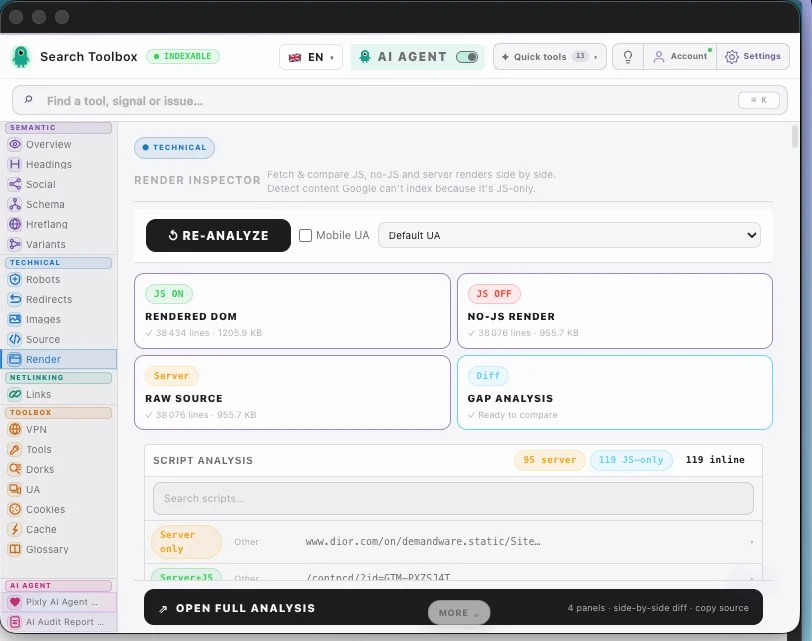
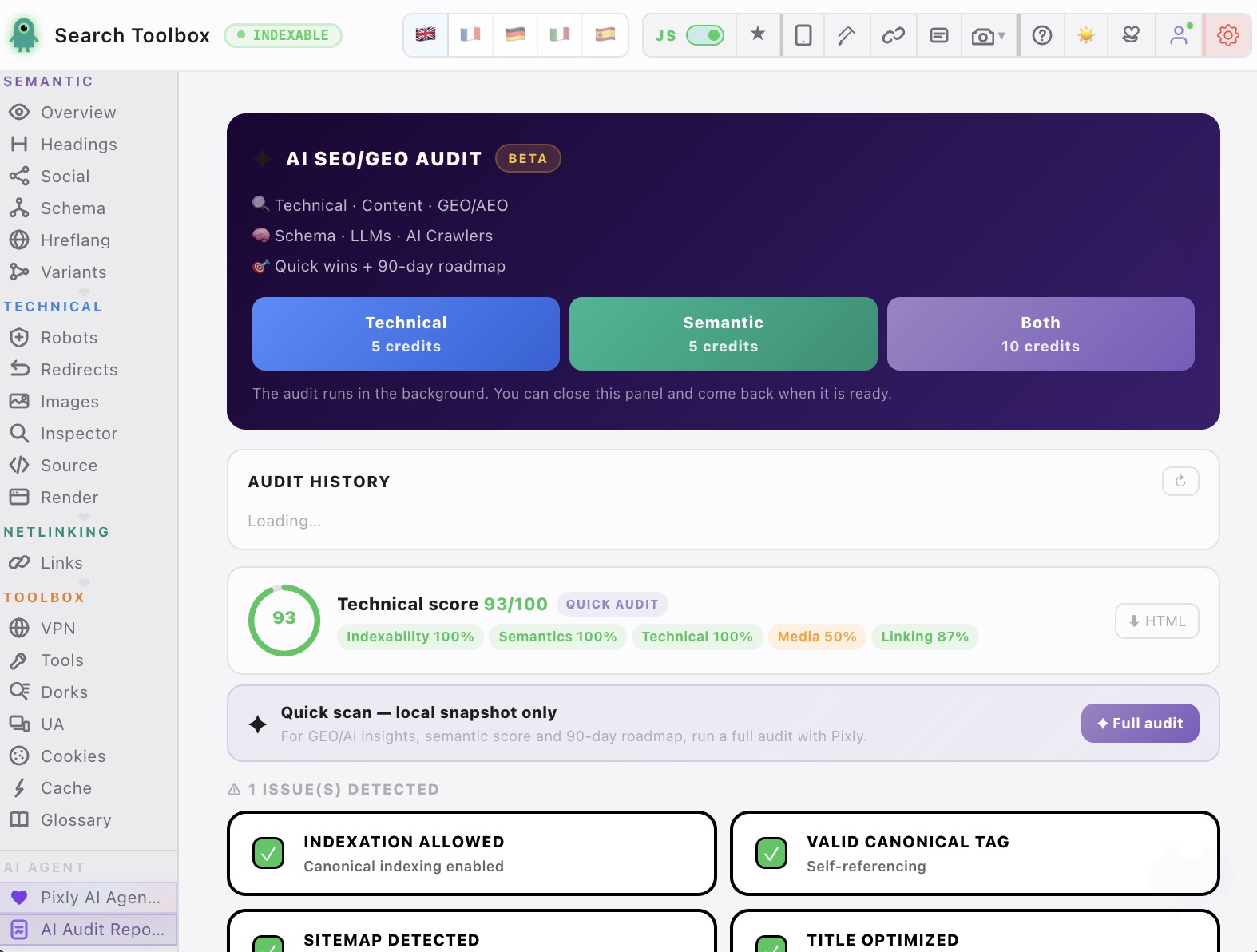
Check the schema markup checker in the real session, staging environment or localhost — preferably the troublesome page, not the perfectly groomed demo.
Check json-ld syntax and types, required and recommended properties, duplicate or disconnected entities, source versus rendered schema and connect signals that contradict each other.
Aim for a readable entity graph and the exact markup that needs correction. Change one rule at a time, then repeat the exact same check so you know what actually moved.
For the schema markup checker, Search Toolbox inspects the active URL deeply. It is not a full-site crawler, backlink platform or rank tracker. Test several URLs when the issue comes from a template.
It covers json-ld syntax and types, required and recommended properties, duplicate or disconnected entities, source versus rendered schema to deliver a readable entity graph and the exact markup that needs correction.
Manual checks for the schema markup checker are included in the 60+ free tools. Only the optional contextual SEO Expert uses credits.
Yes. The schema markup checker check runs on the page you are viewing, including logged-in sessions and non-public environments.
For the schema markup checker, Search Toolbox inspects the active URL deeply. It is not a full-site crawler, backlink platform or rank tracker. Test several URLs when the issue comes from a template.
Manual checks for the schema markup checker are included in the 60+ free tools. Only the optional contextual SEO Expert uses credits.