SERP and domain metrics
Inspect the signal in the rendered page.

Search Toolbox helps you choose between SERP-centric metrics and a page-centric technical workspace, directly on the live page. The goal is a tool choice aligned with either SERP research or hands-on page debugging, without hiding the evidence behind one overall score.
SEOs deciding which browser workflow to keep
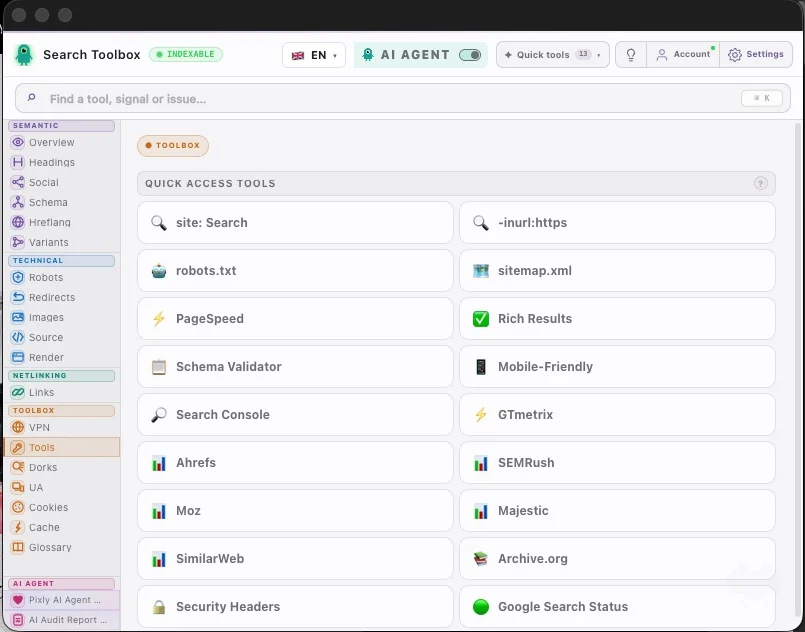
What you can verify
Inspect the signal in the rendered page.
Compare source code with the browser output.
Find contradictions that block indexation.
Export evidence your team can act on.
The observable problem
The useful outcome
The note written after the third coffee
“SEOquake has years of muscle memory on its side. Search Toolbox bets on keeping technical checks in one live-page story. Habit matters; so does not losing the plot between panels.”
Evidence on the real page

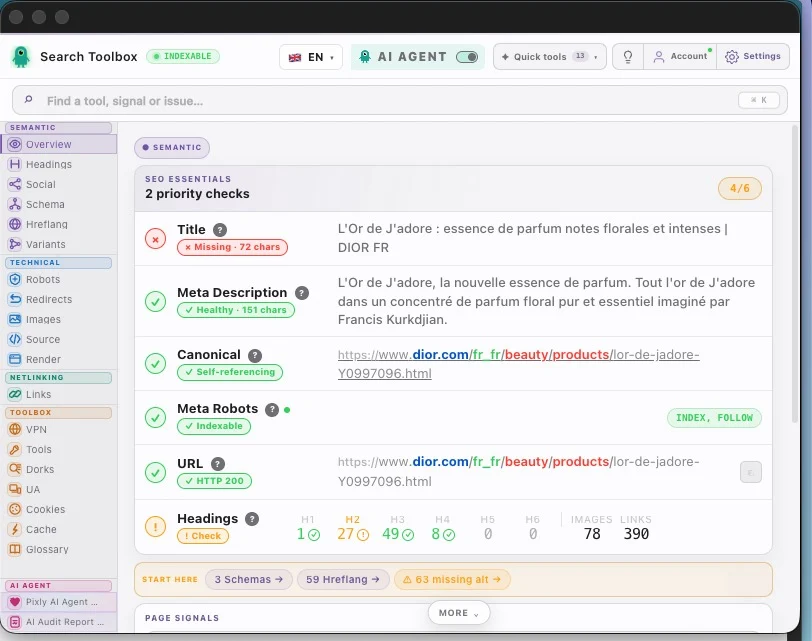
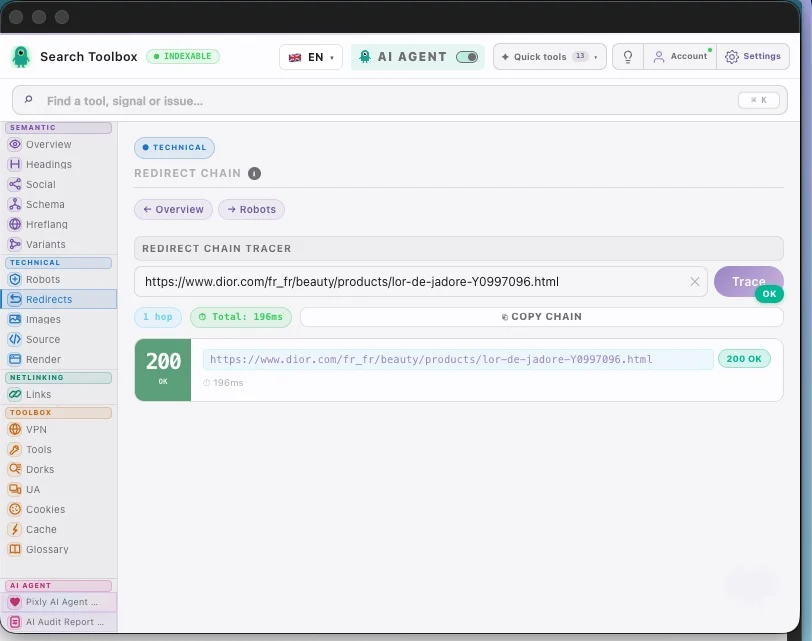
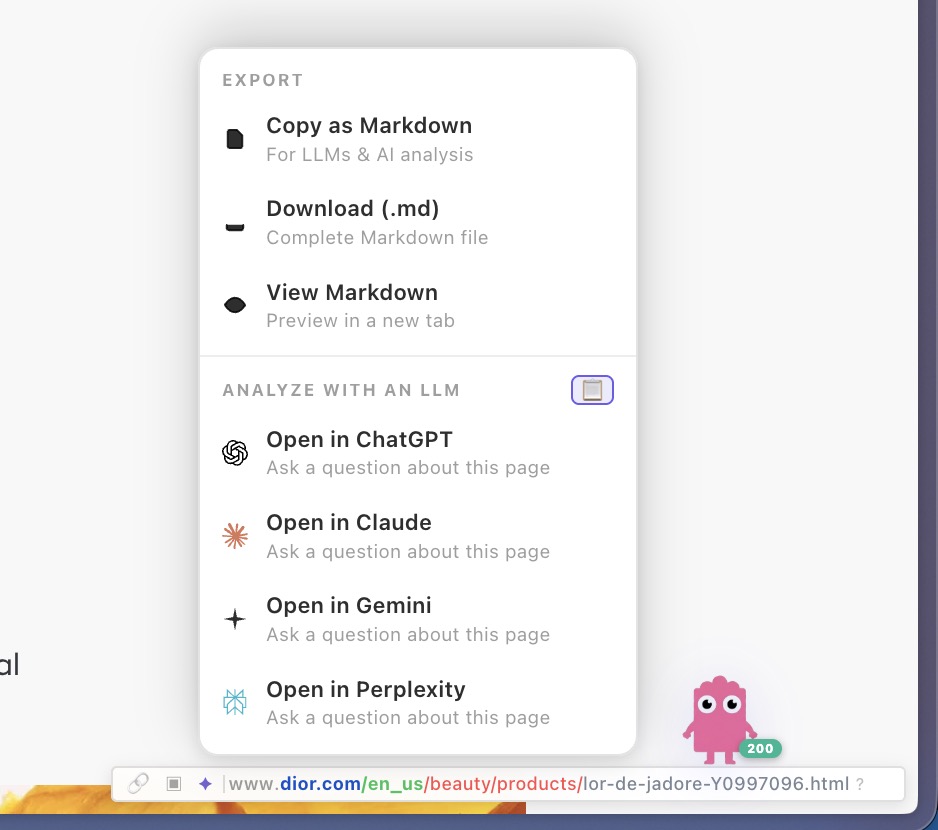
Check the SEOquake alternative in the real session, staging environment or localhost — preferably the troublesome page, not the perfectly groomed demo.
Check serp and domain metrics, live page diagnostics, rendered html and redirect depth, reporting and prioritization and connect signals that contradict each other.
Aim for a tool choice aligned with either SERP research or hands-on page debugging. Change one rule at a time, then repeat the exact same check so you know what actually moved.
This comparison does not claim one tool wins everywhere. Detailed, SEOquake and Lighthouse each have jobs they handle extremely well. The right choice depends on the work, data and workflow you need.
It covers serp and domain metrics, live page diagnostics, rendered html and redirect depth, reporting and prioritization to deliver a tool choice aligned with either SERP research or hands-on page debugging.
Manual checks for the SEOquake alternative are included in the 60+ free tools. Only the optional contextual SEO Expert uses credits.
Yes. The SEOquake alternative check runs on the page you are viewing, including logged-in sessions and non-public environments.
This comparison does not claim one tool wins everywhere. Detailed, SEOquake and Lighthouse each have jobs they handle extremely well. The right choice depends on the work, data and workflow you need.
Manual checks for the SEOquake alternative are included in the 60+ free tools. Only the optional contextual SEO Expert uses credits.